WinDevPilot
Find installed apps, launch programs, and review updates in one Windows dashboard.
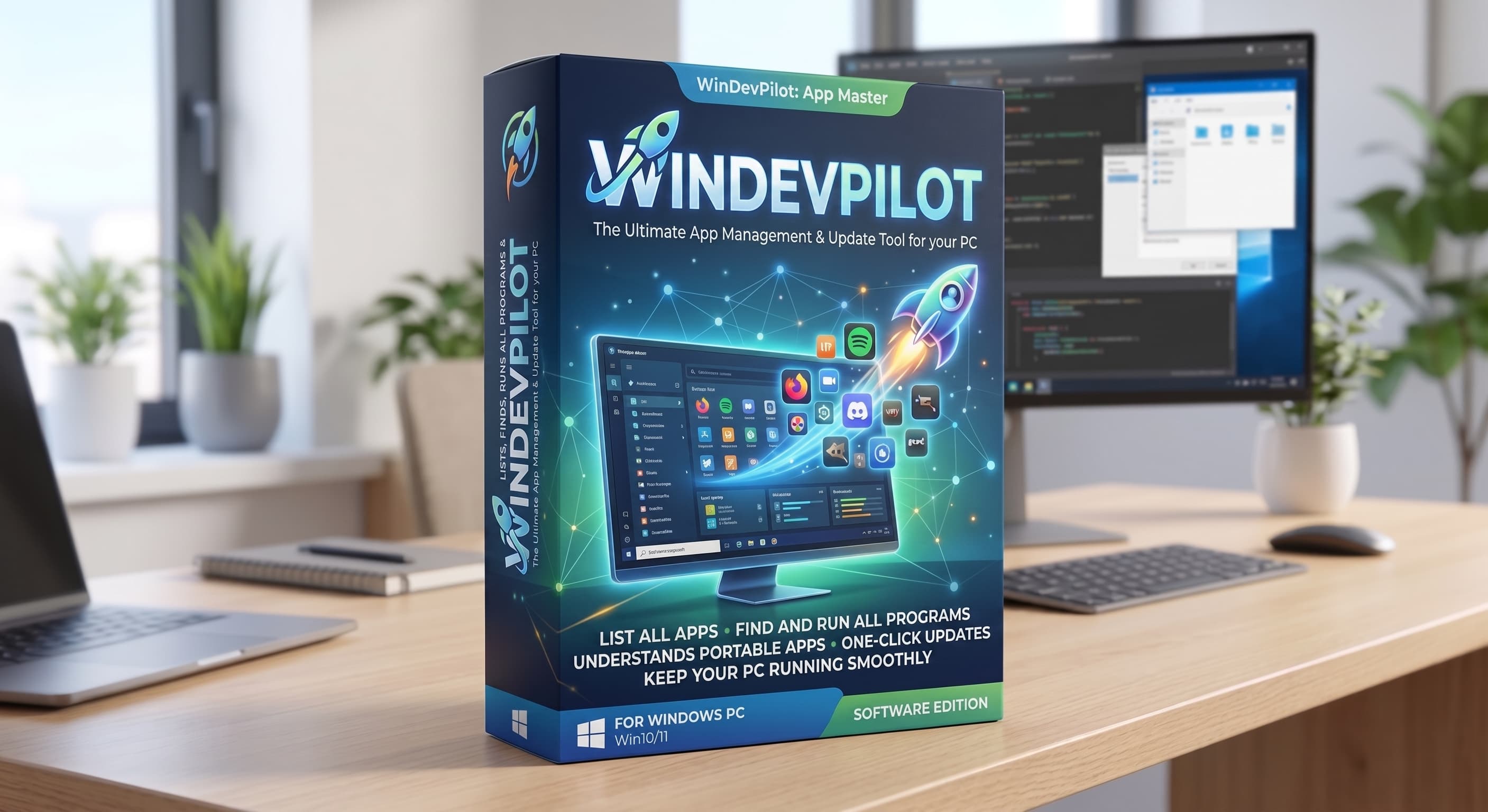
Windows 11 · x64
v1.3.28 · Showcase build
September 21, 2026
Python and Tk are included. Just extract the whole folder and open WinDevPilot.exe.
Getting started
- Download the ZIP, then use Extract All… in File Explorer. Keep the
appandruntimefolders beside the EXE. - Close any existing WinDevPilot and launch normally—not as administrator.
- Let the first scan finish. Browse All packages, or choose Updates to review changes before applying them.
A few things to know
- Unsigned showcase. Windows may show a reputation warning. Check the source and checksum; keep security protections enabled. This build passed isolated-runtime tests, but not a separate clean-PC or real elevated-update test.
- Use the tools already on your PC. Package managers are not included; WinGet is recommended. Missing optional providers stay unavailable. Scans don’t install app updates.
- Settings stay local. History, logs and settings live in
%LOCALAPPDATA%\WinDevPilotand remain after you delete the extracted app folder.